The QR code on the wall leads to broken pages
Visitor links drift out of sync when labels, webpages, and exhibit content are maintained separately.
Create mobile guide pages, audio, translations, and stable QR codes without building a custom app.
Printed labels run out of space. Audio guides cost more than the exhibition budget. Translations live in someone's email drafts. And visitors still expect a decent mobile experience.
Visitor links drift out of sync when labels, webpages, and exhibit content are maintained separately.
Language versions become hard to audit, compare, approve, and keep current across an exhibition.
Recording, editing, hosting, and updating narration can push small teams into custom production work.
Printed labels are limited, and even small changes can become a chain of duplicated edits.
Colledo gives your exhibition a clear digital guide layer. Create content once, publish it in multiple languages, attach audio, generate QR codes, and update pages anytime.
Print labels once. The link behind each QR code stays working even when the content behind it changes.
Visitors scan and read, no app store, no account, no friction between them and the story.
Write once in your main language. Keep translations alongside it so nothing drifts out of sync.
Add narration when you're ready. Visitors can listen from the same page they're already reading.
Fix a typo, update an attribution, add a new translation, without touching the printed labels.
See which objects visitors actually stop to read, useful for planning the next exhibition.
Start with the material your team already has, prepare the guide, then publish stable QR pages visitors can open in the browser.
Create clean visitor-facing pages for objects, rooms, tours, or temporary exhibition sections.
Write descriptions, add translations, and attach audio narration without handing the work to developers.
Use QR links that keep working even when guide text, audio, or language versions change later.
Visitors scan, open the guide in their browser, choose a language, and start exploring.
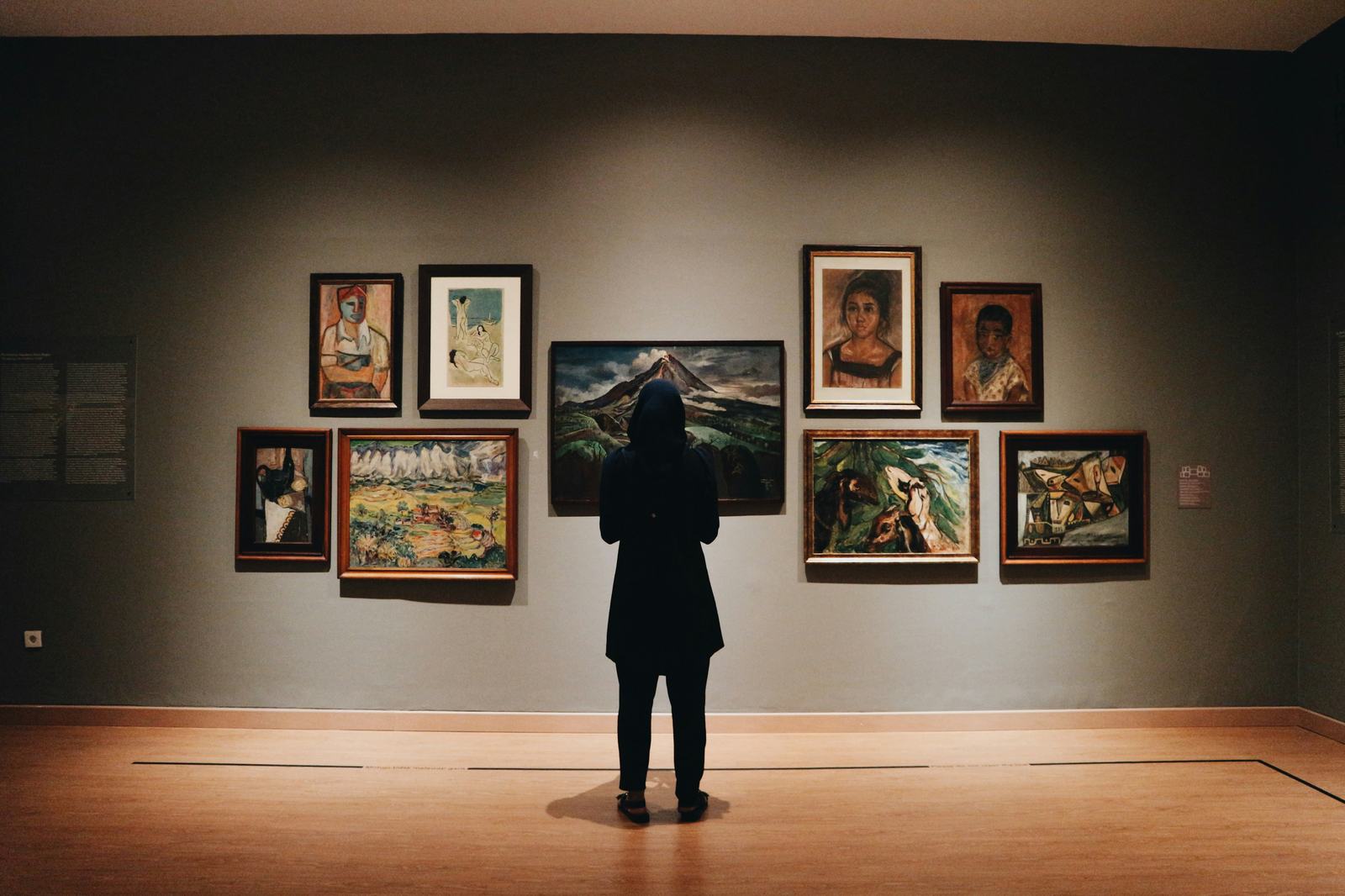
Use AI to get from raw notes to visitor-ready drafts faster, while keeping curatorial judgment, tone, and approval in human hands.
From curator notes to guide copy.
Suggest language variants Draft simple visitor text in several languages from the same approved source.
Shape audio scripts Turn long notes into concise narration that fits the pace of the room.
Approve before publishing Nothing goes live until your team has reviewed and accepted it.
Draft faster with AI. Turn curator notes into first-pass visitor text, translation drafts, and audio scripts.
Keep experts in control. AI helps with drafts. Your team reviews, edits, approves, and decides what gets published.
Publish without a rebuild. Approved guide pages, audio, languages, and QR links stay in one practical workflow.
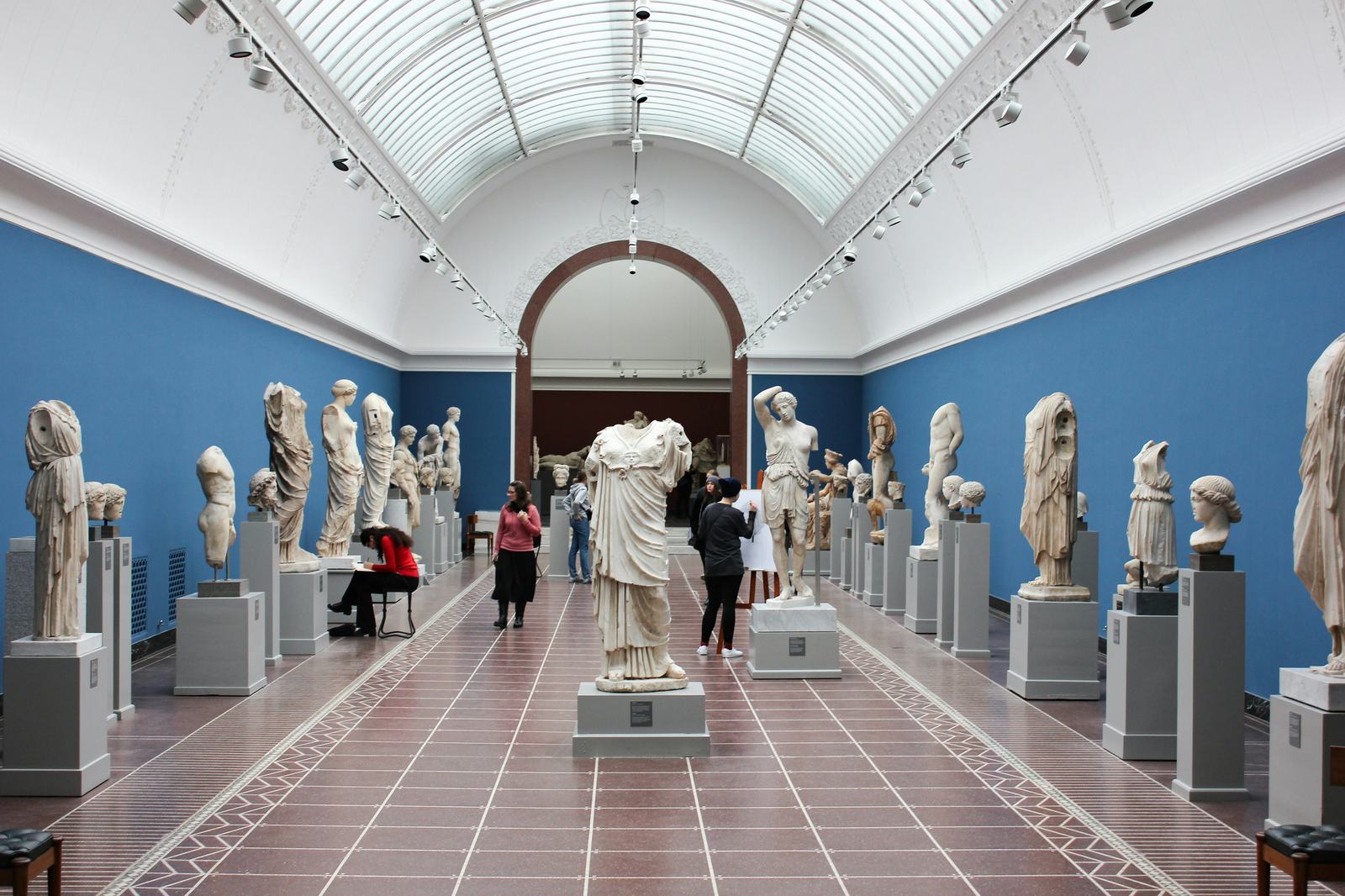
Colledo keeps the digital guide close to the physical visit: scan a label, open a mobile page, choose a language, listen when helpful, and keep moving through the exhibition.
Scan
A QR code on the wall, object label, or printed handout opens the right guide page.
Read
No app store, no account, no installation step between the visitor and the story.
Listen
Visitors can switch language or listen to narration from the same mobile page.
Update
Teams can improve text, audio, and translations while keeping printed QR codes stable.
Practical answers before you start and a few common details about QR codes, languages, audio, updates, and early access.
Most teams have a working guide page ready in an afternoon. You don't need to migrate your whole collection, start with one room or one upcoming opening.
No. Visitors scan a QR code and open the guide in their browser. No account, no download, nothing between them and the content.
No. If you can update a Google Doc, you can manage a Colledo guide. There's nothing to install or configure on your side.
Keep them. As long as they point to a Colledo page, you can change everything behind the link, text, audio, languages, without reprinting anything.
Yes. Most teams start with one exhibition or a single room. You don't have to plan the whole venue at once.
Temporary and touring exhibitions are a great fit. Set up the guide quickly, run it for the duration, then archive or reuse the content afterward.
Yes. You can create separate guide pages for individual objects, rooms, routes, or whole exhibition sections, whatever matches how your space is organised.
Yes. Language versions live alongside each other in one place, so nothing drifts out of sync and you can see exactly what's been translated and what hasn't.
Yes. Audio can be attached to any guide page after it's published, including separate narration per language. Visitors see it on the same page they're already reading.
Early access is for teams with a real visitor-guide problem to solve: an upcoming opening, a multilingual audience, audio to publish, or labels that need stable QR pages.
Share your venue type, timing, and what kind of visitor guide you need.
We will look at QR pages, languages, audio, and content updates with you.
Start with a focused exhibition or collection area instead of a full rebuild.